
AI in Practice · 2025-11-03 · 2 min read
How I Keep My ChatGPT Projects Flowing Even Weeks Later
Keep your ChatGPT projects in flow with two simple prompts.
If you’ve ever opened ChatGPT and thought, “Where did I leave off?” this will help.
I used to create a new chat every time I started a new idea. Pretty soon I had dozens of threads and no idea which one held the latest version. Then I found a simple way to bring structure and flow: use ChatGPT Projects together with two custom prompts.
The Two Prompts That Changed My Workflow
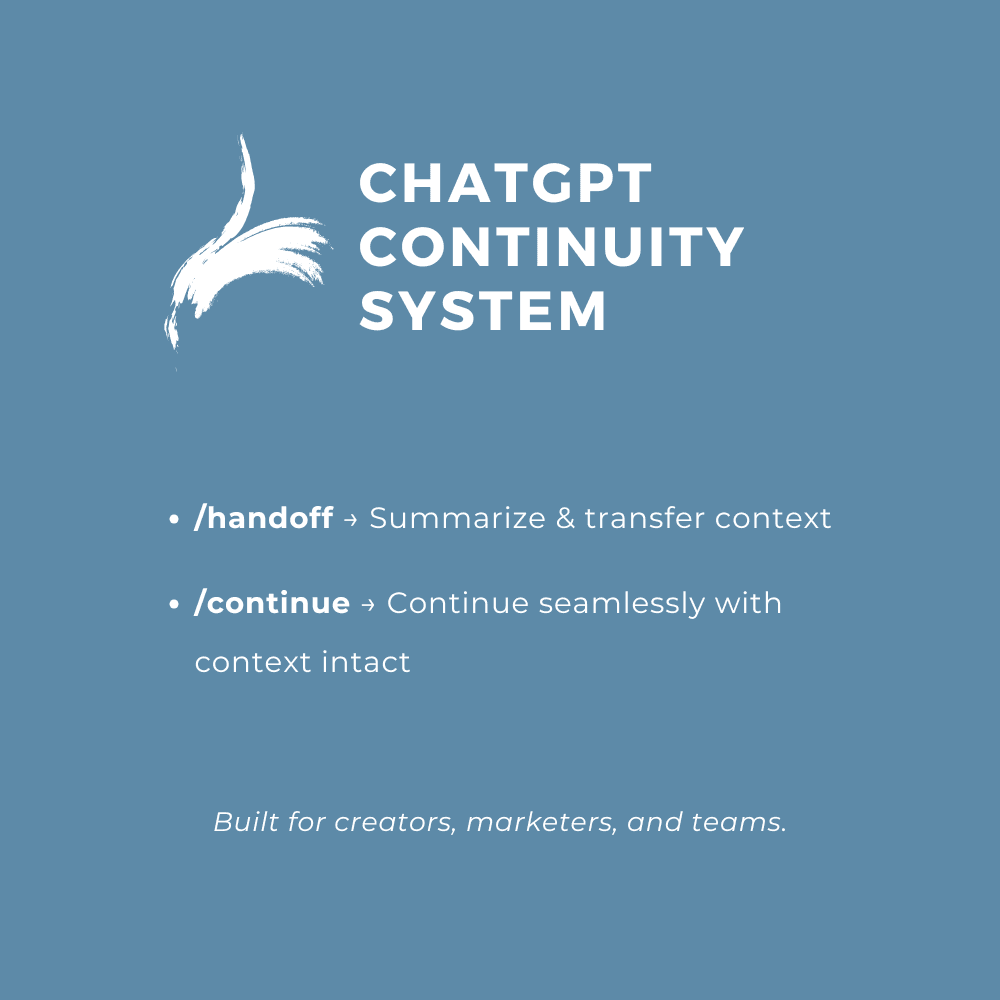
/handoff – Use this when you finish a session. It summarizes what you did, the decisions you made, and what’s next.
/continue – Use this when you start again. It rebuilds your context from the handoff so you can get back in flow instantly.
That’s it. Two prompts. Together they make ChatGPT feel like your own project manager.
Why It Works
ChatGPT Projects already group your files and conversations. The prompts add memory discipline. You can switch between projects, return days later, or hand off to someone else without re-explaining anything.
The result is less time spent repeating yourself and more time creating, thinking, and building.
How to Try It
- Create a ChatGPT Project for one major initiative.
- Save /handoff and /continue as favorite prompts in your sidebar.
- Use /handoff at the end of each session and /continue when you come back.
Full templates and mobile versions are here:
You don’t need complex automations to work smarter with AI. You just need continuity.
FAQ
What problem does this ChatGPT workflow solve?
This workflow prevents the loss of context that happens when you return to a project after a break and cannot remember where you left off. By pairing ChatGPT Projects with simple prompts, you keep a running record of decisions, files, and next steps.
How do the /handoff and /continue prompts work together?
You use the handoff prompt at the end of each working session to summarize what happened and what should happen next. You use the continue prompt at the start of the next session to rebuild that context quickly so you can get back into flow without re-explaining the project.
Do I need automations or external tools to use this system?
No. You only need a ChatGPT Project for each initiative and the two prompts saved as favorites. This keeps the system lightweight so you can apply it to writing, strategy, coding, or client work without extra setup.